You want to save a short portion of a longer clip for easy access. How can you do this?
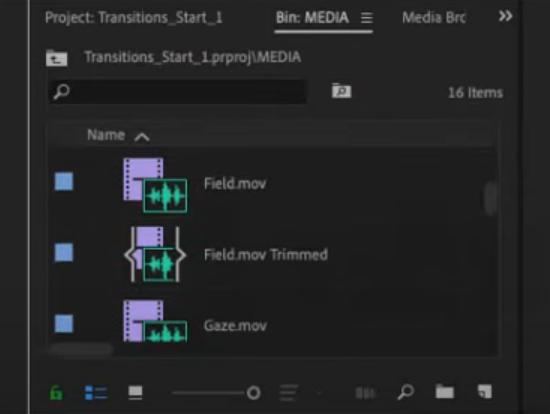
Mark in and out points on the clip in the Source Monitor and select Clip > Make Subclip.
in the Media Browser, mark in and out points on a clip, and then import.
Mark in and out points on the clip in the Program Monitor and select choose Clip > Make Subclip.
Mark in and out points on a clip in the Timeline panel and then drag it back into a bin.